Is Public Wi-Fi Safe for Online Banking?
Understand how hackers can exploit unsecured Wi-Fi networks and what precautions to take when accessing online banking
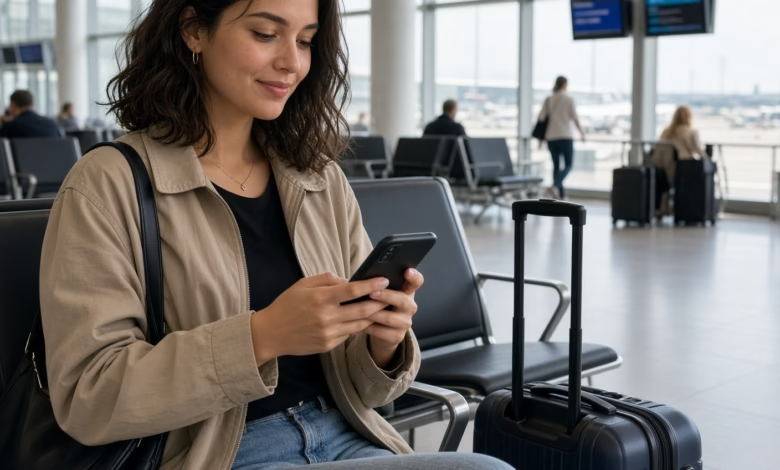
In this comprehensive guide, we will explore whether public Wi-Fi is truly safe for online banking, how cybercriminals exploit these vulnerable connections, and the essential, actionable steps you can take to protect your hard-earned money and sensitive financial data when browsing away from home.
Understanding How Public Wi-Fi Works and Why It Is Vulnerable
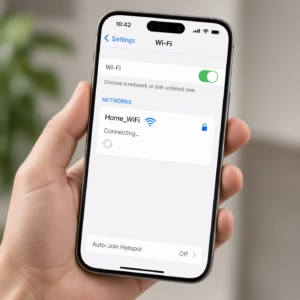
To understand the true magnitude of the risk, it helps to look at how public wireless networks operate compared to private ones. When you connect to your home internet router, your traffic is typically secured using modern encryption protocols like WPA3 (Wi-Fi Protected Access 3) or at least WPA2. This encryption creates a private, scrambled tunnel between your device and your router, ensuring that even if someone is nearby, they cannot read the information passing through the air.
Public Wi-Fi networks, however, operate very differently. Many public hotspots offer completely open, unencrypted connections. When a network is unencrypted, the data traveling between your device and the wireless access point is transmitted in plain text. Anyone within range with basic network monitoring software can “listen in” on the radio waves and capture your web traffic.
Furthermore, even public networks that require a password often use a single, shared password posted on a wall or given to every customer. Because hundreds of strangers share this exact same password, it provides zero protection against someone sitting at the very next table who has malicious intentions. That “guest” can easily use the shared password to join the network and launch attacks against other connected devices.
Common Cyberthreats on Public Wi-Fi Networks
Cybercriminals frequently target public networks because they represent a target-rich environment filled with unsuspecting users handling sensitive personal and financial tasks. Here are the most common methods hackers use to compromise devices on public Wi-Fi:
1. Man-in-the-Middle (MitM) Attacks
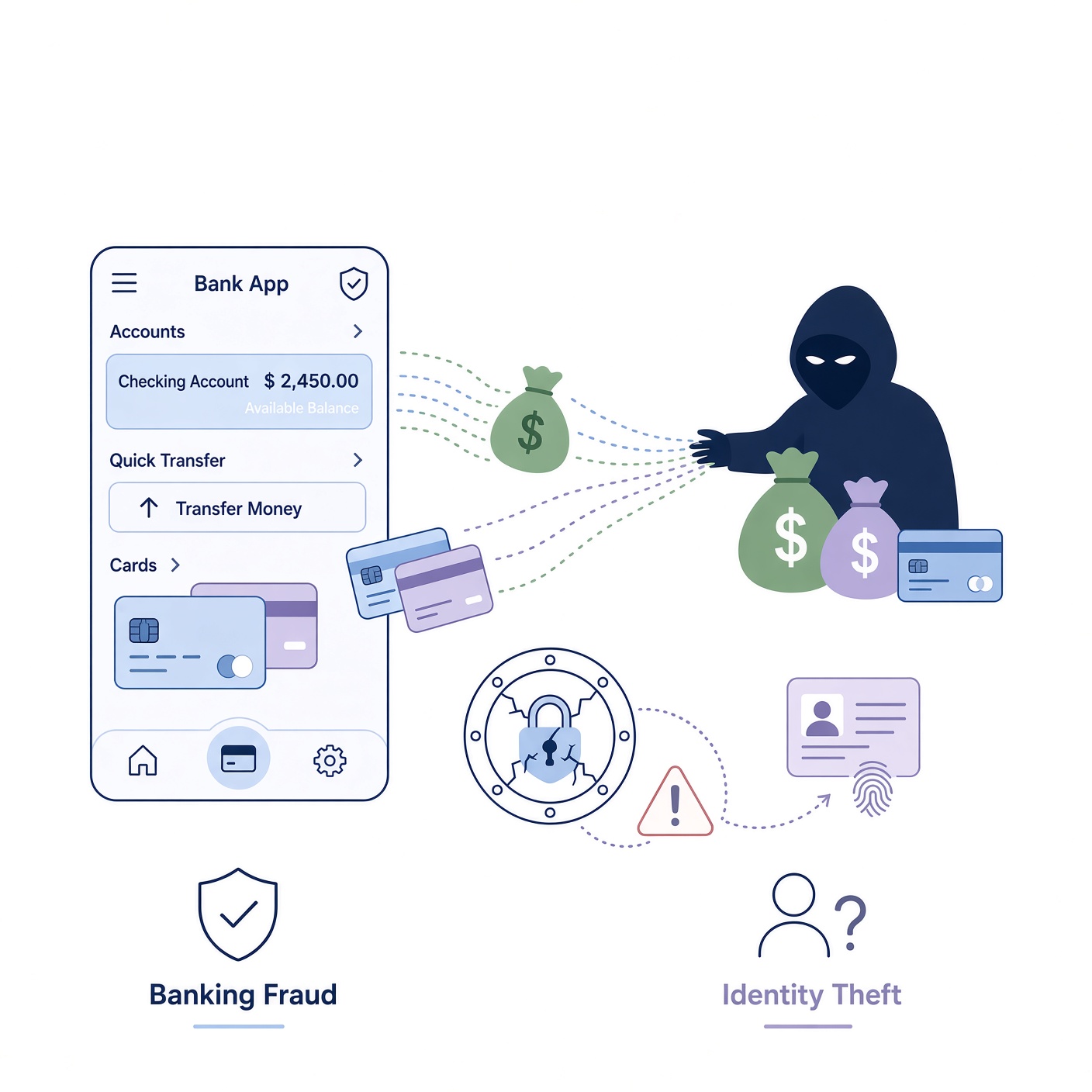
A Man-in-the-Middle attack is one of the most classic and dangerous threats on public networks. In this scenario, the hacker positions themselves between your device and the connection point. When you attempt to access your bank’s website, your traffic passes through the hacker’s device first. The attacker can intercept your login credentials, manipulate the web pages you see, or steal session tokens that allow them to log into your account directly without even needing your password.
2. Evil Twin Wi-Fi Hotspots
Have you ever looked at a list of available Wi-Fi networks and seen something like “CoffeeShop_Guest_Free” right next to “CoffeeShop_Guest”? Hackers often set up rogue wireless access points with names that mimic legitimate businesses. These malicious networks are called “Evil Twins.” If you accidentally connect to the fake network instead of the real one, the hacker controls your entire internet gateway, allowing them to redirect you to phishing pages that look identical to your bank’s login portal.
3. Packet Sniffing and Eavesdropping
Packet sniffing involves using specialized software tools (often called packet analyzers) to monitor data packets as they travel across a network. On an unencrypted public network, a hacker can passively sit back and record all unencrypted web traffic. If any website or app you use fails to enforce HTTPS encryption, the sniffer can instantly reveal your usernames, passwords, and personal data in plain text.
4. Malware Injection
When files or software updates are downloaded over an insecure connection, hackers can sometimes intercept the download and inject malicious code—or malware—directly into your device. Once installed, this malware can monitor your keystrokes (keyloggers), capture screenshots of your banking dashboard, or quietly steal saved passwords from your web browser.
The Role of HTTPS and Bank-Grade Security in Modern Banking
Despite the severe risks associated with public networks, it is important to understand that major financial institutions implement extremely robust security measures to protect their customers. When you navigate to a reputable bank’s website, the connection is almost always secured using HTTPS (Hypertext Transfer Protocol Secure) and SSL/TLS (Secure Sockets Layer/Transport Layer Security) encryption.
HTTPS ensures that the communication between your web browser and the bank’s server is encrypted end-to-end. Even if a cybercriminal successfully intercepts your traffic on a public Wi-Fi network using a Man-in-the-Middle attack or packet sniffing, all they will see is a chaotic stream of encrypted, unreadable code. They will not be able to read your password or see your account balances.
However, relying solely on HTTPS is not a foolproof defense. Cybercriminals have developed sophisticated workarounds, such as SSL stripping attacks, where they attempt to force your browser to downgrade from a secure HTTPS connection to an insecure HTTP connection. While modern browsers are increasingly effective at blocking these downgrades, vulnerabilities still exist, especially if a user ignores security warnings or clicks past browser certificate error alerts.
Best Practices: How to Safely Manage Your Finances Away From Home
While avoiding public Wi-Fi entirely for online banking is always the safest and most recommended approach, there are times when handling a financial transaction while away from home is unavoidable. If you must manage your money while connected to a public network, following these rigorous security best practices will drastically reduce your exposure to risk:
Use Your Cellular Data Network Instead
The single most effective way to avoid public Wi-Fi risks is simply not to use public Wi-Fi at all. Modern 4G LTE and 5G cellular networks are inherently encrypted and far more secure than public hotspots. Turning off Wi-Fi on your smartphone and utilizing your mobile data provider’s hotspot or direct connection provides a vastly safer tunnel for sensitive tasks like checking your bank account or paying bills.
Leverage a Trusted Virtual Private Network (VPN)
If you have no choice but to connect to a public Wi-Fi network—such as when using a laptop that lacks cellular capabilities—you should always use a reputable, premium Virtual Private Network (VPN). A VPN encrypts all internet traffic leaving your device before it ever touches the local network router. This creates a secure, private tunnel that hides your browsing activity, IP address, and financial transactions from anyone else sharing that public network.
Enable Multi-Factor Authentication (MFA) Everywhere
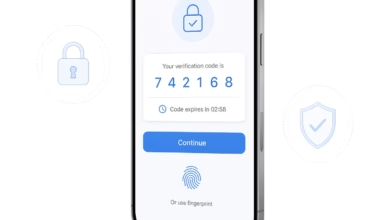
Multi-factor authentication (also known as two-factor authentication or 2FA) adds a vital second layer of defense to your online accounts. Even if a cybercriminal manages to capture your password on a public network, they will still be blocked from accessing your bank account if they cannot provide the secondary verification code sent via SMS, generated by an authenticator app (like Google Authenticator or Authy), or confirmed via biometric scan.
Stick to Official Banking Apps Rather Than Mobile Browsers
When possible, use your bank’s official, verified mobile application downloaded directly from the Apple App Store or Google Play Store rather than logging in through a mobile web browser. Official banking apps utilize advanced security protocols called certificate pinning, which makes it significantly harder for attackers to execute Man-in-the-Middle or spoofing attacks compared to standard web browsing.
Disable Automatic Wi-Fi Connection Settings
Many smartphones and laptops are configured to automatically scan for and connect to nearby open Wi-Fi networks. This convenience poses a silent security threat, as your device might connect to a malicious or unsecured network without your explicit awareness. Disable automatic joining features in your device settings so you always have full manual control over which networks your device trusts.
What to Do If You Suspect Your Financial Information Was Compromised

Even with extreme caution, security breaches can still happen. If you ever realize you accidentally logged into your bank account over an unsecured public network, or if you notice suspicious activity on your statements, you must act quickly to mitigate potential damage:
- Contact Your Bank Immediately: Call your bank’s customer support hotline right away to report potential unauthorized access. Ask them to temporarily freeze your accounts, debit cards, or credit cards to prevent fraudulent transactions.
- Change Your Passwords: From a secure, trusted network (such as your home cellular data connection), immediately change your online banking password. Ensure the new password is strong, complex, and completely unique—never reuse passwords across multiple financial or email accounts.
- Review Recent Account Activity: Carefully examine your recent transaction history for any unfamiliar charges, unauthorized transfers, or suspicious withdrawals. Report any discrepancies to your financial institution immediately.
- Run a Comprehensive Security Scan: Update and run a reputable antivirus or anti-malware software scan on your device to ensure no keyloggers, session hijackers, or malicious files were installed while you were connected to the public hotspot.
Balancing Convenience and Digital Safety
In our fast-paced modern world, the ability to manage our finances on the go is an incredible convenience. However, convenience should never come at the expense of your financial security. Public Wi-Fi networks—by their very design—are convenient gateways for cybercriminals looking to steal sensitive personal and financial data.
Is public Wi-Fi safe for online banking? The short answer is a definitive no. While encryption technologies like HTTPS provide a solid baseline of defense, the sheer volume of threats ranging from Evil Twin hotspots to Man-in-the-Middle attacks makes using public hotspots for financial transactions an unnecessary gamble.
By prioritizing your cellular data network, utilizing a trusted Virtual Private Network (VPN), enabling multi-factor authentication, and remaining vigilant about network security, you can enjoy the freedom of mobile connectivity without putting your hard-earned money at risk. Stay informed, stay cautious, and make digital security a top priority every time you connect.