How to Keep Your Banking Information Safe Online
See the best ways to secure your financial information on the internet
In 2026, the convenience of digital banking is unparalleled. From depositing checks via smartphone to managing global investments with a thumbprint, our financial lives are more accessible than ever. However, this accessibility comes with a significant trade-off: sophisticated digital risk.
Cybercriminals no longer rely on simple “Nigerian Prince” emails. Today, they utilize AI-driven phishing, sophisticated voice cloning, and invisible malware to bypass traditional security. Protecting your banking information is no longer a “set it and forget it” task—it is a continuous practice of digital hygiene.
This comprehensive guide will walk you through the advanced strategies and simple habits required to shield your wealth from modern threats.
Securing Your Digital Entry Points: Moving Beyond Simple Passwords
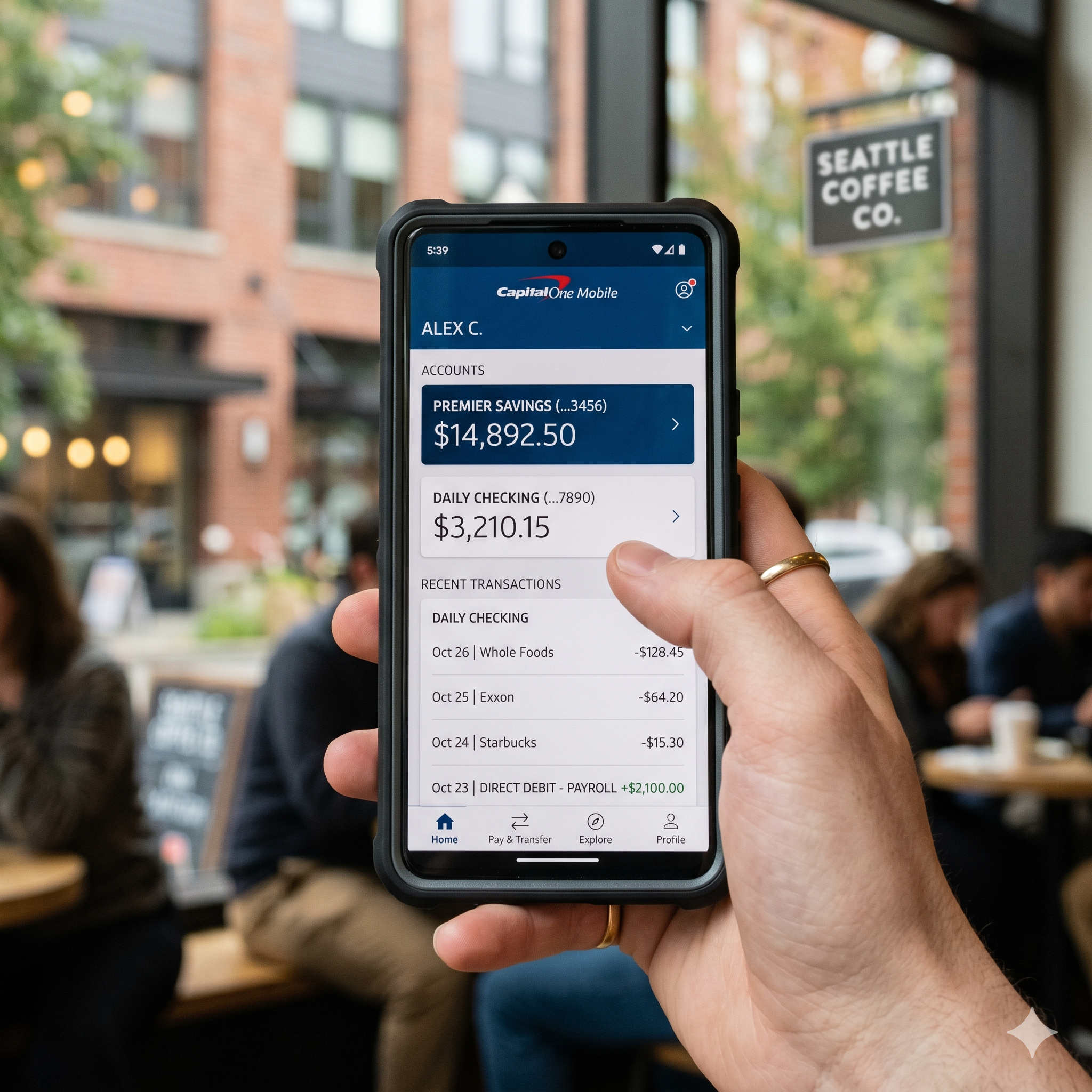
The front door to your bank account is your login credential. If that door has a weak lock, everything inside is at risk. In the current landscape, the traditional password is considered the “weakest link” in financial security.
The Transition to Passkeys and Biometrics
By 2026, most major financial institutions have moved toward Passkeys. Unlike a password, which can be typed, seen, or stolen, a passkey is a digital credential tied to a specific device.
-
Why they are safer: They use public-key cryptography. Your “private key” never leaves your device, making it virtually impossible for a hacker to “phish” your login details.
-
Biometric Integration: Ensure your banking apps are set to require Face ID, Touch ID, or an equivalent biometric scan every single time the app is opened—not just during the initial login.
The Death of SMS Two-Factor Authentication (2FA)
For years, receiving a text message code was the gold standard for security. Today, it is a vulnerability. Hackers use “SIM Swapping” to intercept these texts.
-
Use Authenticator Apps: Switch to apps like Google Authenticator, Authy, or Microsoft Authenticator. These generate codes locally on your phone and do not rely on your cellular provider.
-
Hardware Security Keys: For high-net-worth accounts, consider a physical YubiKey. These USB or NFC devices must be physically present to log in, providing a “physical wall” against remote hackers.
Recognizing AI-Driven Phishing and Social Engineering Scams
The most dangerous threat today isn’t a “hack” into the bank’s servers; it’s a hack into your mind. Social engineering is the art of tricking you into giving up your own information.
AI-Enhanced Phishing Attacks
In the past, you could spot a scam by its poor grammar or strange formatting. Today, AI models allow scammers to generate perfectly written, highly personalized emails that mimic your bank’s exact tone and branding.
-
The “Urgency” Red Flag: If an email or text creates a sense of extreme panic (e.g., “Your account will be closed in 2 hours!”), it is almost certainly a scam.
-
The Link Rule: Never click a link in an email to “verify” your identity. Always open a new browser tab and manually type your bank’s URL (e.g.,
[www.yourbank.com](https://www.yourbank.com)).
Vishing and Voice Cloning (The 2026 Threat)
We have entered the era of vishing (voice phishing). Scammers can now use a 30-second clip of a bank representative’s voice to “clone” it using AI.
-
The Verification Tactic: If “the bank” calls you, hang up. Call them back using the official number found on the back of your physical debit or credit card. This ensures you are speaking to the legitimate institution.
Network Security: How to Bank Safely on the Move
Where you bank is just as important as how you bank. Your home Wi-Fi is generally safe, but the digital world outside is a different story.
The Dangers of Public Wi-Fi and “Evil Twins”
Public Wi-Fi at coffee shops, airports, or hotels is an open playground for “Man-in-the-Middle” (MitM) attacks. A hacker can set up a fake hotspot named “Airport_Free_WiFi” (an Evil Twin). If you connect, they can see every piece of data you transmit.
-
Use Cellular Data: If you need to check your balance in public, turn off Wi-Fi and use your 5G/6G data. It is significantly more difficult to intercept.
-
VPNs (Virtual Private Networks): If you must use Wi-Fi, use a reputable, paid VPN service. This creates an encrypted “tunnel” for your data, making it unreadable to anyone else on the network.
Router Hygiene at Home
Many people use the default password provided by their Internet Service Provider (ISP). This is a major security flaw.
-
WPA3 Encryption: Ensure your home router is using WPA3 encryption (the most current standard).
-
Separate Guest Network: Put your “Smart Home” devices (cameras, smart fridges, etc.) on a guest network. These devices are often easily hacked; keeping them separate prevents a hacker from jumping from your smart lightbulb to your laptop where you do your banking.
Hardware and Software Hygiene: Keeping Your Devices “Clean”

Your computer and smartphone are the “vessels” for your financial data. If the vessel is compromised by malware, no password in the world can save you.
Operating System and App Updates
Software updates are not just about new features; they are primarily about security patches.
-
Zero-Day Vulnerabilities: These are security holes that hackers discover before the software company does. Once a patch is released, you must install it immediately to close that hole.
-
Enable Auto-Updates: Set your phone and computer to update automatically overnight.
The Risk of “Sideloading” and Third-Party Apps
On mobile devices, only download your banking app from the official Apple App Store or Google Play Store.
-
Permissions Audit: Periodically check which apps have “Full Access” to your device. Does that simple calculator app really need access to your contacts and location? If an app asks for unnecessary permissions, delete it.
Behavioral Security: Protecting Your Information in the Physical World
Digital security often fails because of physical oversights. Information can leak from the “real world” into the digital one.
Social Media Overshare
Scammers “scrub” social media to find answers to your security questions.
-
The “Mother’s Maiden Name” Trap: If you post a “Happy Birthday” message to your mom and tag her, a scammer now knows her maiden name.
-
Avoid Quizzes: Those “What was your first car?” or “What street did you grow up on?” quizzes are designed specifically to harvest security question answers.
Document Disposal
Old bank statements, tax returns, and even “pre-approved” credit card offers are gold mines for identity thieves.
-
Invest in a Cross-Cut Shredder: Never throw financial documents in the trash intact.
-
Go Paperless: The safest way to handle bank statements is to not have them mailed at all. Switch to electronic delivery to eliminate the risk of “mail theft.”
Monitoring and Automated Defense: Setting Up Your Early Warning System
The goal is to catch a breach within seconds, not weeks. Your bank offers tools that most people ignore.
Real-Time Transaction Alerts
Set up “Push Notifications” for every single transaction.
-
Low Thresholds: Set the alert to trigger for any transaction over $0.01.
-
Immediate Response: If you receive a notification for a $5.00 Starbucks purchase while you are sitting at home, you can freeze your card instantly via the app before the hacker tries a $5,000 purchase.
Credit Monitoring Services
A stolen bank account is bad, but a stolen identity is worse.
-
Use Free Tools: Services like Credit Karma or your bank’s built-in credit journey tool can alert you if a new credit card or loan is opened in your name.
-
Credit Freeze: If you aren’t planning on buying a house or car in the next six months, freeze your credit at the three major bureaus (Equifax, Experian, and TransUnion). It’s free, and it prevents anyone from opening new accounts in your name.
Comparison: Authentication Methods in 2026
| Method | Security Level | Convenience | Recommended? |
| Password Only | Low | High | No |
| SMS 2FA | Moderate | High | Only as a last resort |
| Authenticator App | High | Moderate | Yes |
| Biometrics (Face/Finger) | High | Very High | Yes |
| Hardware Key (YubiKey) | Extreme | Low | For high-value accounts |
| Passkeys | Extreme | High | The New Standard |
What to Do if You Suspect a Breach: The 10-Minute Response Plan
If you think your information has been compromised, every second counts. Follow this protocol:
-
Freeze the Card: Use your banking app to “Lock” or “Freeze” your cards immediately.
-
Change the “Master” Password: Change the password to your Email Account first, as this is how hackers reset other passwords.
-
Call the Fraud Department: Don’t use the chat-bot; get a human on the phone.
-
Audit Connected Devices: Check your bank’s “Logged In Devices” list and “Remove” any device you don’t recognize.
-
Place a Fraud Alert: Contact one credit bureau to place a 1-year fraud alert on your file.
Cultivating a Security-First Mindset

Online banking security in 2026 is less about a single “magic” piece of software and more about a collection of smart habits. By using passkeys, avoiding public Wi-Fi, and staying skeptical of urgent communications, you create a fortress around your financial life.
Remember, the goal of a cybercriminal is to find the “low-hanging fruit.” By implementing even half of the strategies in this guide, you make yourself a difficult target, prompting hackers to move on to someone less prepared. Stay vigilant, stay updated, and keep your private information truly private.
Pro Tip: Set a recurring calendar reminder every six months to do a “Security Audit.” Check your app permissions, update your recovery phone numbers, and ensure your MFA settings are still active. Consistency is the ultimate defense.