How Two-Factor Authentication Protects Your Money
Discover how 2FA helps prevent unauthorized access to your accounts
In the modern digital landscape, the security of your finances is only as strong as the weakest link in your digital identity. For most people, that link is the password. We have all been taught to create long, complex, and unique passwords for our bank accounts, investment portfolios, and payment apps. However, even the most complex password can be compromised through data breaches, phishing scams, or malware. This is where Two-Factor Authentication (2FA)—or Multi-Factor Authentication (MFA)—steps in as your most reliable financial bodyguard.
In this article, we will explore why 2FA is the most critical setting you can enable for your financial security and how it effectively shields your assets from unauthorized access, even if a criminal manages to steal your password.
Understanding the Vulnerability of Single-Factor Security

To appreciate the importance of 2FA, you must first understand why relying on a password alone is dangerous. When you access a financial website or app with just a username and password, you are using “single-factor authentication.” You are proving who you are with one piece of information—something you know.
The problem? Criminals have become experts at discovering what you know. Through tactics like “credential stuffing,” where hackers use lists of compromised usernames and passwords stolen from other websites to attempt log-ins on major banks, or “phishing,” where they trick you into handing over your credentials, your password is often the first line of defense to fall. Once a cybercriminal has your password, your account is effectively theirs. They can change your contact information, transfer funds, or steal sensitive personal data.
What is Two-Factor Authentication (2FA) and How Does It Work?
Two-Factor Authentication adds a necessary layer of friction to the login process. It requires you to provide two distinct forms of identification before you can access your account. These factors typically fall into three categories:
-
Something you know: Your password or a PIN.
-
Something you have: Your smartphone, a security key, or a registered device.
-
Something you are: Your fingerprint, facial recognition, or iris scan.
When 2FA is enabled on your financial accounts, entering your correct password is only half the battle. After the password is verified, the system will prompt you for the second factor. Because a hacker might have your password but likely does not have physical possession of your smartphone or your unique biometric data, they are stopped in their tracks.
The Different Types of 2FA: Weighing the Security Risks
Not all forms of 2FA are created equal. As technology has evolved, some methods have proven to be more secure than others. Understanding the differences helps you choose the right tools for your specific financial institutions.
SMS-Based Verification (The Most Common)
This is the most widely used method, where the bank sends a one-time passcode (OTP) via text message to your mobile number. While this is significantly more secure than having no 2FA at all, it is not foolproof. Cybercriminals can perform “SIM swapping,” where they convince your mobile carrier to transfer your phone number to their own device, allowing them to intercept these text messages. Use this if it is your only option, but strive for better methods when possible.
Authenticator Apps
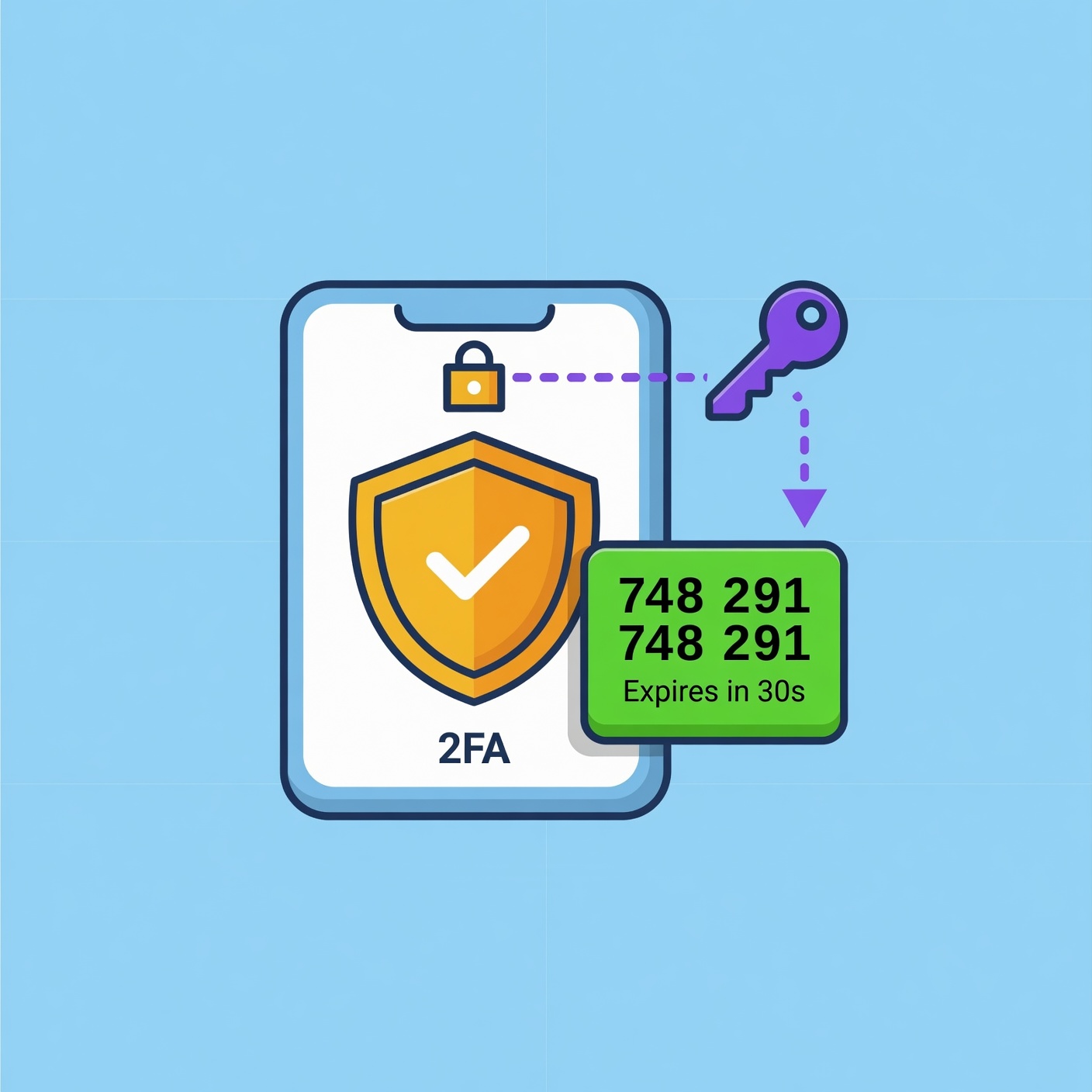
Apps like Google Authenticator, Microsoft Authenticator, or Authy generate time-based codes on your smartphone. These codes refresh every 30 to 60 seconds. Because the code is generated locally on your phone and does not rely on cellular networks to be delivered, it is immune to SIM swapping attacks. This is generally considered a strong, reliable standard for banking apps.
Hardware Security Keys
For the highest level of security, hardware keys (such as YubiKey) are the gold standard. These are physical devices that you plug into a USB port or tap against your phone via NFC (Near Field Communication). Because the key must be physically present, it is virtually impossible for a remote hacker to bypass this protection. If you hold significant assets in brokerage or crypto accounts, a hardware key is a highly recommended investment.
Biometric Authentication
Most modern banking apps allow you to log in using FaceID or fingerprint scanning. This is convenient and secure because it ties your account access to your physical biology. While biometrics are powerful, they are often paired with a fallback method (like a PIN), so ensure that your fallback PIN is also unique and not easily guessed.
Why 2FA is Non-Negotiable for Financial Accounts
When you apply 2FA to your financial services, you are essentially creating a virtual vault. Even if a data breach occurs at a company where you use the same password as your bank, your bank account remains secure because the criminal cannot clear the secondary authentication hurdle.
Financial institutions implement 2FA not just to protect you, but to protect themselves from liability and fraud losses. This is why you will see that most modern US-based financial apps now force users to enable some form of multi-factor authentication upon setup. If your bank gives you the option to opt out, you should never take it.
The Role of 2FA in Preventing Social Engineering
Social engineering is the art of manipulating people into giving up confidential information. A common scam involves a fraudster calling you, pretending to be from your bank’s fraud department. They might claim your account has been compromised and ask you to “verify” a code they just sent to your phone.
Crucially, you must understand that the code being sent to your phone is usually the 2FA code the hacker triggered to gain access to your account. By reading that code to them, you are effectively giving them the key to your vault. Enabling 2FA does not just block hackers; it provides you with a clear warning: if you are receiving a login code that you did not request, someone is currently trying to hack you. Never share these codes with anyone—not even with someone claiming to be an employee of your bank.
Setting Up 2FA: A Step-by-Step Security Audit
Securing your accounts with 2FA is a straightforward process, but it requires discipline. Follow this security audit to ensure your financial perimeter is covered:
-
Inventory Your Accounts: List all your financial platforms—banking, credit cards, investment apps, digital wallets, and even secondary sites like PayPal or Venmo.
-
Enable 2FA Everywhere: Log into each platform, navigate to the “Security” or “Privacy” settings, and look for “Two-Factor Authentication” or “Multi-Factor Authentication.”
-
Choose the Strongest Method: Prioritize authenticator apps or hardware keys over SMS text messages.
-
Save Your Recovery Codes: When you enable 2FA, the system will often provide you with “backup” or “recovery” codes. Print these out or save them in an encrypted digital vault. If you lose your phone, these codes are the only way to regain access to your account without waiting days for manual verification from support.
-
Review Trusted Devices: Most services allow you to mark a device as “trusted” so you don’t have to enter a code every single time. Only do this on your personal, private computer or smartphone—never on public or shared devices.
Common Challenges and How to Overcome Them
Many people avoid 2FA because they worry about being “locked out.” While valid, this fear can be managed with proper planning.
-
Losing Your Phone: If your phone is lost or stolen, your authenticator app might be gone too. This is why cloud-backed authenticator apps or securely stored recovery codes are essential. Always have a backup plan for your second factor.
-
Device Upgrades: Before you trade in your old smartphone, ensure you have either transferred your authenticator app data to the new device or backed up your accounts. Most apps have an “Export” feature that allows you to move your accounts to a new phone easily.
-
Traveling Abroad: If you rely on SMS 2FA, traveling internationally can be a headache, as your phone might not receive texts. Using an app-based authenticator is much better for travelers, as it works even in Airplane Mode.
The Future of Authentication: Passkeys and Beyond
The cybersecurity world is slowly moving toward a passwordless future, driven by a standard called “Passkeys.” Passkeys allow you to sign in to your accounts using the same biometric method you use to unlock your phone—your face or fingerprint.
Passkeys are essentially a form of 2FA combined into one seamless step. They are phishing-resistant because they are tied to the specific website or app, meaning you cannot be tricked into entering them on a fake phishing site. As your financial institutions begin to support Passkeys, transition to them. They represent the current pinnacle of balancing ease-of-use with high-level security.
Frequently Asked Questions (FAQ)
Is SMS-based 2FA truly insecure?
SMS 2FA is significantly better than no 2FA. However, it is vulnerable to “SIM swapping” and interception. It should be treated as a “better than nothing” solution. If you have the choice, always upgrade to an authenticator app.
What if I am asked for my 2FA code by bank support?
Legitimate bank representatives will never ask for your 2FA code, password, or PIN. If someone asks for this information, it is a scam. Hang up immediately and call the official number on the back of your card.
Can I share my 2FA codes with my spouse?
It is generally better to have separate logins for shared accounts if the bank supports it. Sharing 2FA codes or credentials weakens the security of the account and makes it harder to track who performed which transaction.
Does 2FA cost money?
No. Almost all legitimate financial institutions provide 2FA as a free security feature. If a site asks you to pay to enable 2FA, it is likely a fraudulent or illegitimate service.
Take Action Today
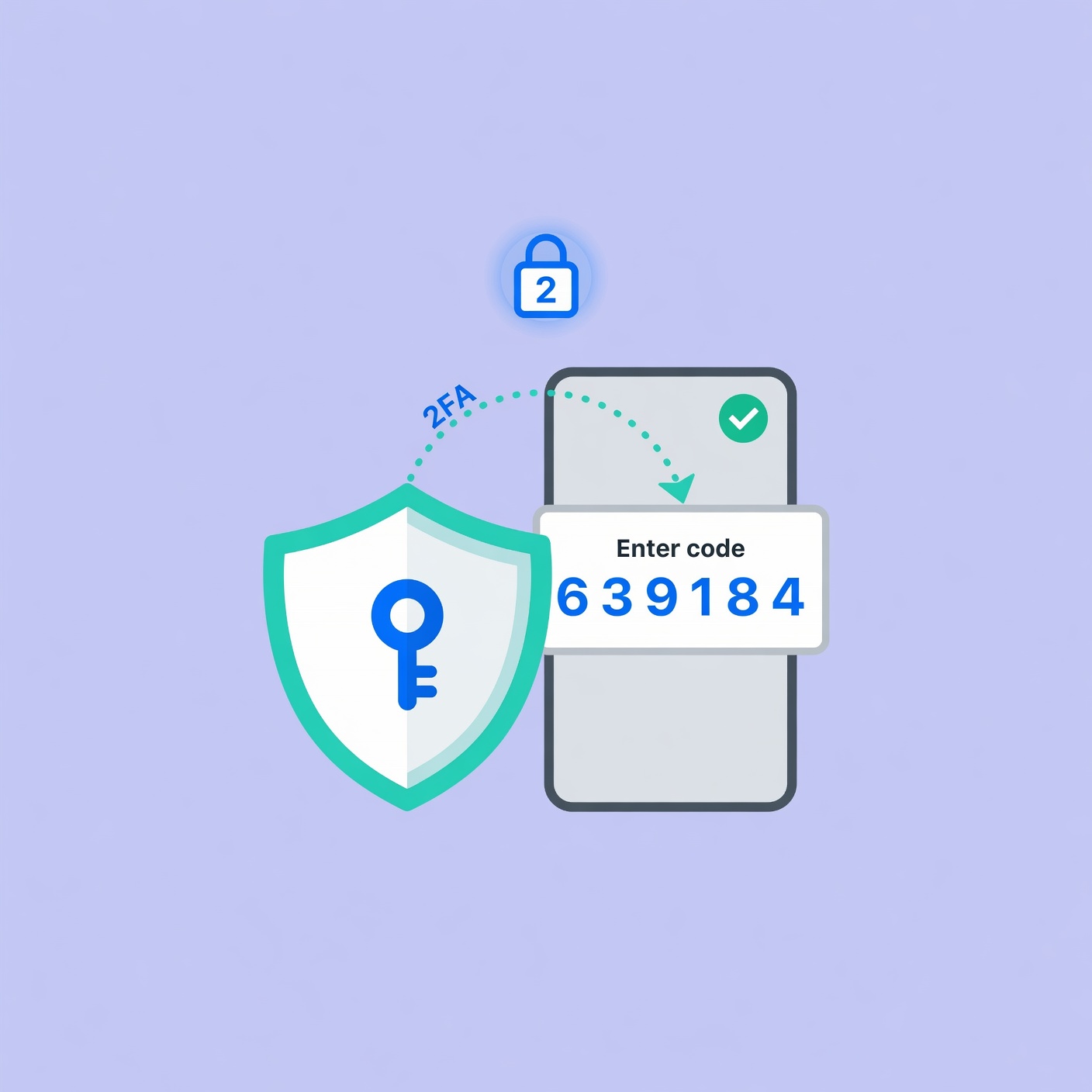
The transition to Two-Factor Authentication is perhaps the single most impactful action you can take to protect your wealth. In a world where your digital life is an extension of your financial life, protecting your access points is not optional—it is a necessity.
Take the time today to audit your financial accounts. Do not wait for a security breach to force your hand. By implementing robust 2FA, managing your recovery codes, and remaining vigilant against social engineering, you create a defensive layer that most criminals are simply not equipped to overcome. Secure your passwords, activate your second factors, and gain the peace of mind that comes with knowing your money is protected.