How Phishing Attacks Steal Financial Information
Discover the common tactics cybercriminals use to steal banking and personal data
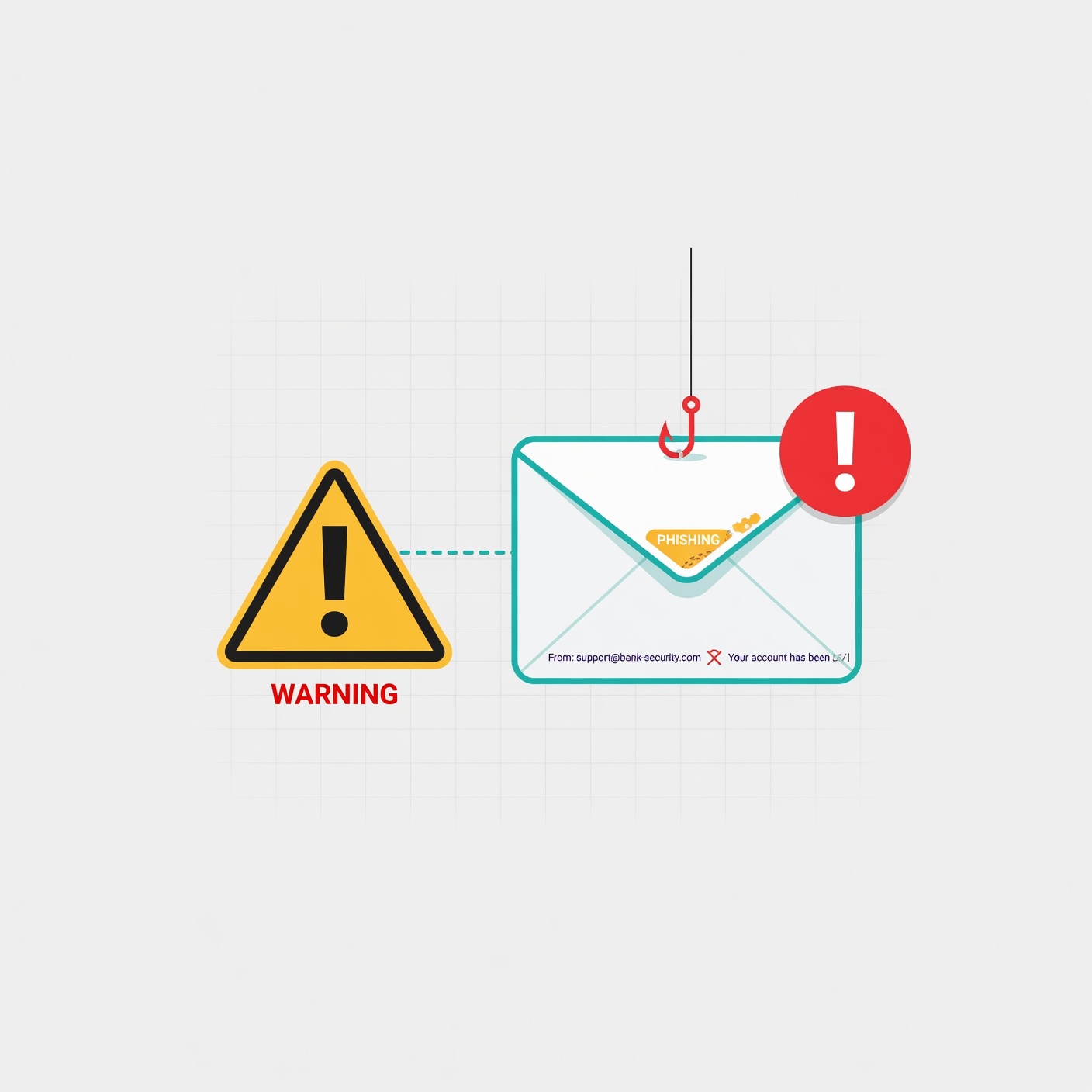
What is Phishing and Why Does It Target Your Finances?
At its simplest, phishing is a fraudulent practice where cybercriminals pose as reputable entities—such as your bank, a credit card company, or a trusted retailer—to trick you into revealing sensitive information. This information often includes login credentials, credit card numbers, social security numbers, or bank account details.
Cybercriminals target financial information because it represents the fastest route to liquid capital. Unlike stealing medical records or personal data, which takes time to monetize, financial data allows thieves to initiate fraudulent transactions, drain savings accounts, or open new lines of credit in your name immediately. Because the stakes are high, phishing attacks are carefully crafted to create a sense of urgency, forcing the victim to act before they have the chance to think critically.
The Anatomy of a Phishing Attack: How the Scam Works

Every phishing attack, regardless of its complexity, follows a predictable lifecycle. Understanding this cycle helps you spot the scam before it succeeds.
- The Lure (The Hook): The attacker sends out a communication—an email, text, or phone call—that appears to come from a legitimate source. It is designed to grab your attention immediately.
- The Pretext (The Story): The message creates a believable scenario. Common pretexts include “Suspicious activity detected on your account,” “Your password has expired,” or “A refund is waiting for you.”
- The Call to Action: The message urges you to click a link, download an attachment, or call a specific number. This is the moment of interaction.
- The Deception (The Fake Site): If you click the link, you are taken to a landing page that perfectly mimics the official website of your bank or service provider. It may use official logos, professional design, and even a “secure” padlock icon in the URL.
- The Theft (Data Harvesting): You enter your username, password, or credit card details. Instead of logging you into your account, the website sends your data directly to the attacker.
Types of Phishing Attacks You Need to Know
Phishing has evolved far beyond the classic “Nigerian Prince” emails of the early internet. Today, attacks are highly targeted and diverse.
1. Email Phishing (The Classic Approach)
This is the most common form. Attackers send thousands of emails to random recipients, hoping to catch a percentage of them off guard. These emails often contain malicious links or attachments that, once clicked, install malware on your device to log your keystrokes or steal saved passwords.
2. Smishing (SMS Phishing)
With the decline of email open rates, criminals have turned to SMS. You might receive a text message saying, “Your bank account has been locked. Click here to verify your identity.” Because we trust our text messages more than emails, this method has a disturbingly high success rate.
3. Vishing (Voice Phishing)
Vishing involves phone calls. The attacker might use “spoofing” technology to make the caller ID look like it is coming from your bank. They then use social engineering to pressure you into reading your banking credentials or verifying a transaction over the phone.
4. Spear Phishing (The Targeted Strike)
This is a more dangerous, personalized attack. Instead of a generic email, the attacker researches you. They might include your name, your job title, or mention a company you recently interacted with. Because the email feels personal, the likelihood of you falling for it increases significantly.
The Psychology of Deception: Why Do We Fall for It?
If you think you are “too smart” to be phished, you are already at risk. Phishing works because it exploits fundamental human traits. Scammers know how to trigger our emotional responses to bypass our logical thinking.
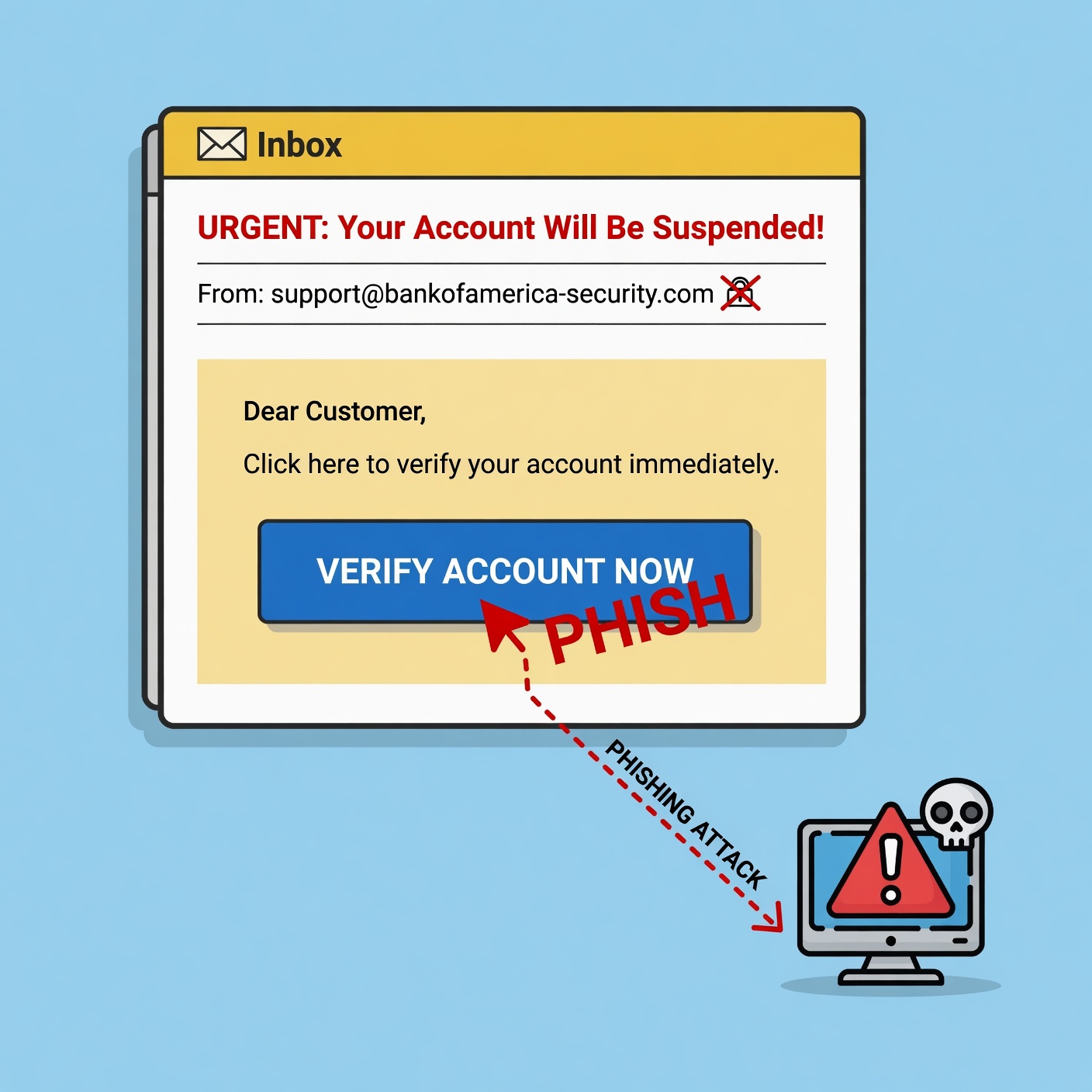
They use Urgency (“Your account will be closed in 24 hours”), Fear (“Unauthorized login detected”), and Curiosity (“See your tax refund status”). When you are emotional, your prefrontal cortex—the part of the brain responsible for logical reasoning—is suppressed. The attacker wants you to react first and think later. By creating a high-stress environment, they make you more likely to perform the action they want, like clicking a link or providing a verification code.
Red Flags: How to Identify a Phishing Attempt
Protecting yourself requires constant vigilance. Look for these warning signs every time you receive an unexpected communication:
Generic Greetings
Banks and legitimate companies hold your records. They rarely address you as “Dear Customer” or “Dear Member.” If an email from your bank uses a generic greeting instead of your actual name, delete it.
Suspicious Sender Addresses
Always check the actual email address behind the display name. The sender might be named “Chase Support,” but the email address might be “[email protected]” rather than the official domain. If the domain name is slightly off, it is a scam.
Mismatched URLs
Before clicking any link, hover your mouse cursor over it (without clicking). A preview box will show the actual destination URL. If the URL doesn’t match the company’s official website exactly, do not click it.
Grammar and Formatting Errors
While many modern phishing attacks are professionally designed, many still contain subtle spelling mistakes, poor grammar, or slightly off-brand logos. If something looks unprofessional, trust your gut.
Advanced Strategies for Financial Security
Defending against phishing requires a layered approach. You cannot rely on a single solution; you need a system of habits.
Implement Multi-Factor Authentication (MFA)
If you only do one thing, let it be this: Enable Multi-Factor Authentication (MFA) on every single financial account. Even if a phisher steals your password, they cannot access your account without the second factor (like a text code, an authenticator app, or a physical security key). This is the single most effective barrier against account takeover.
Use a Password Manager
Stop reusing passwords. A password manager creates unique, complex, and random passwords for every site you use. Crucially, password managers will not “autofill” your credentials on a fake website. If you are on a phishing site that looks like your bank, your password manager will detect that the URL is different from the one it saved, and it will refuse to fill in your data. This is an automatic life-saver.
Browser Security and Updates
Keep your browser and operating system updated. Modern browsers like Chrome, Firefox, and Edge have built-in protections that detect and block known malicious phishing sites. If you get a “Site Not Secure” warning, listen to it.
Adopt a “No-Click” Policy
Adopt a personal rule: Never click a link in an unsolicited email or text message for a sensitive account. If you receive an alert from your bank, close the email, open a new browser tab, and type the bank’s URL manually, or open their official app on your phone. This ensures you are interacting with the legitimate service, not a redirect.
What to Do If You Have Been Phished
If you realize you have provided your information to a potential phisher, do not panic, but act immediately. The faster you act, the more damage you can contain.
- Lock Your Accounts: Immediately log into your financial institutions from a trusted device and change your passwords. If you can, use the bank’s app to “freeze” your credit or debit cards.
- Contact Your Financial Institutions: Call the customer service number on the back of your card or on the official website. Inform them that your information may have been compromised. They can monitor your account for fraudulent charges or issue new cards.
- Enable Fraud Alerts: Contact one of the major credit bureaus and place a fraud alert on your credit report. This makes it harder for anyone to open new accounts in your name.
- Check Your Credit Reports: Look for any unauthorized accounts or inquiries. You are entitled to free credit reports regularly, so use this tool to ensure your identity hasn’t been stolen.
- Update Your Devices: If you downloaded an attachment, run a full security scan with a reputable antivirus software to remove any potential keyloggers or malware.
The Future of Phishing: AI and Deepfakes
As we get better at spotting phishing, criminals are getting better at crafting them. Artificial Intelligence (AI) is now being used to generate perfect, error-free phishing emails in any language. Furthermore, “deepfake” audio technology is beginning to appear in vishing attacks, where scammers use AI to mimic the voice of a family member or a bank representative. The best defense against these advanced threats remains the same: skepticism. Always verify. Never provide sensitive information to someone who contacted you unexpectedly, no matter how “real” they sound.
Vigilance is Your Best Asset

Phishing is a numbers game for criminals. They only need one person to click for every thousand emails they send. By understanding the mechanisms they use, recognizing the psychological tricks they employ, and adopting simple yet powerful security habits, you can take yourself out of their target zone.
Financial security is not a one-time setup; it is a mindset. Stay updated on the latest scam trends, keep your software updated, and always maintain a healthy dose of skepticism regarding unsolicited communication. Your financial information is the key to your livelihood—treat it with the caution it deserves.