How to Secure Your Bank Accounts and Cards
Learn how to protect your bank accounts and cards from fraud
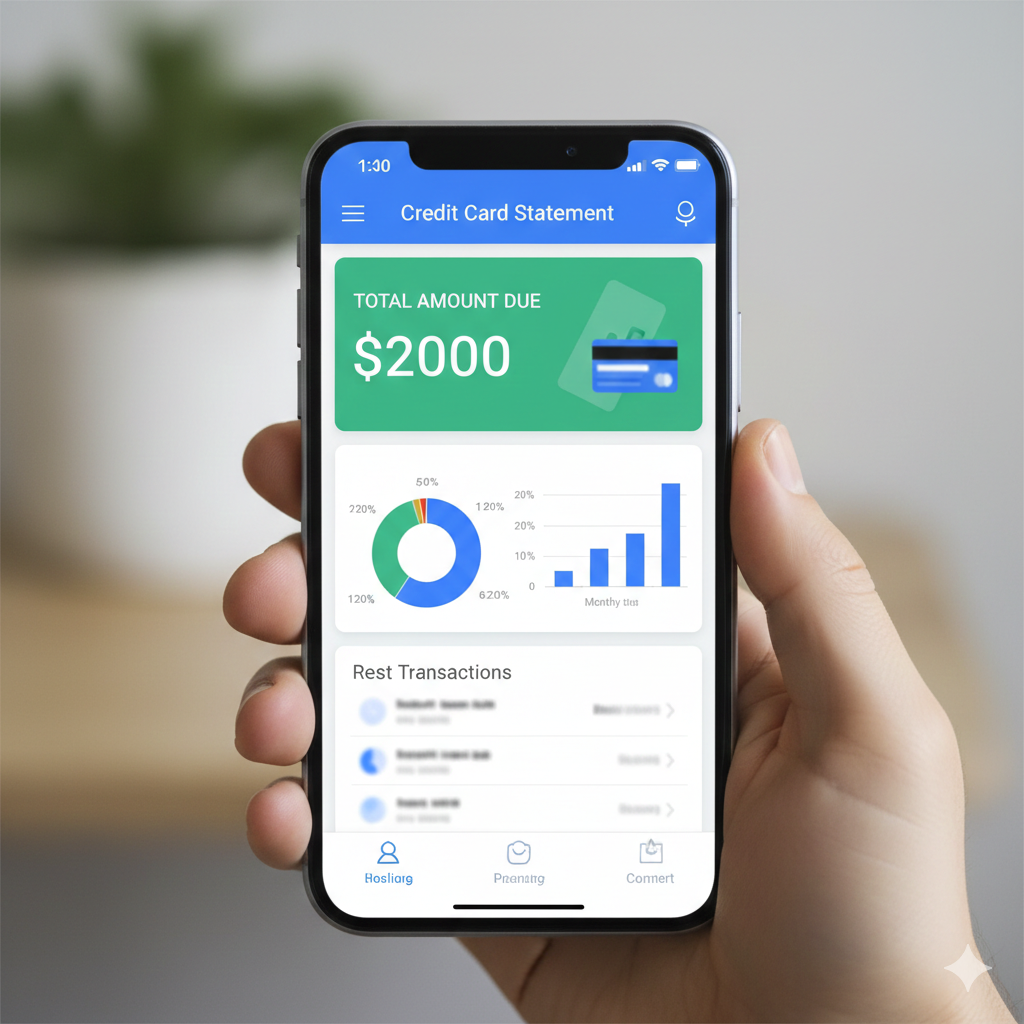
In the digital age, your bank account is more than just a place to store money—it is the central hub of your digital identity. As financial technology advances, so do the methods used by cybercriminals to bypass traditional security measures. Protecting your wealth is no longer about just having a “strong password”; it requires a multi-layered defense strategy that covers physical, digital, and psychological vulnerabilities.
Whether you are managing a high-net-worth portfolio or simply want to protect your hard-earned savings, this guide provides an exhaustive look at modern security protocols. We will dive deep into the technical and practical steps necessary to “hard-target” your accounts, ensuring that your assets remain out of reach for hackers and scammers.
Mastering Digital Authentication: Beyond the Standard Password
The era of the “simple password” is over. High-level hackers use “brute force” attacks and “credential stuffing” to crack accounts in seconds. To secure your bank accounts, you must rethink how you identify yourself to your institution.
The Death of the Static Password
A static password—even one that is long—is a single point of failure. If one service you use (like a social media site or an old forum) is breached, hackers will immediately try that same password on banking portals.
-
Password Managers: Use tools like Bitwarden, 1Password, or Dashlane to generate unique, 20-character strings for every financial institution.
-
Avoid “Personal” Data: Never use birthdays, pet names, or your mother’s maiden name. Hackers can find this info on your Facebook or LinkedIn profile in minutes.
Implementing Multi-Factor Authentication (MFA) Correctouly
Not all MFA is created equal.
-
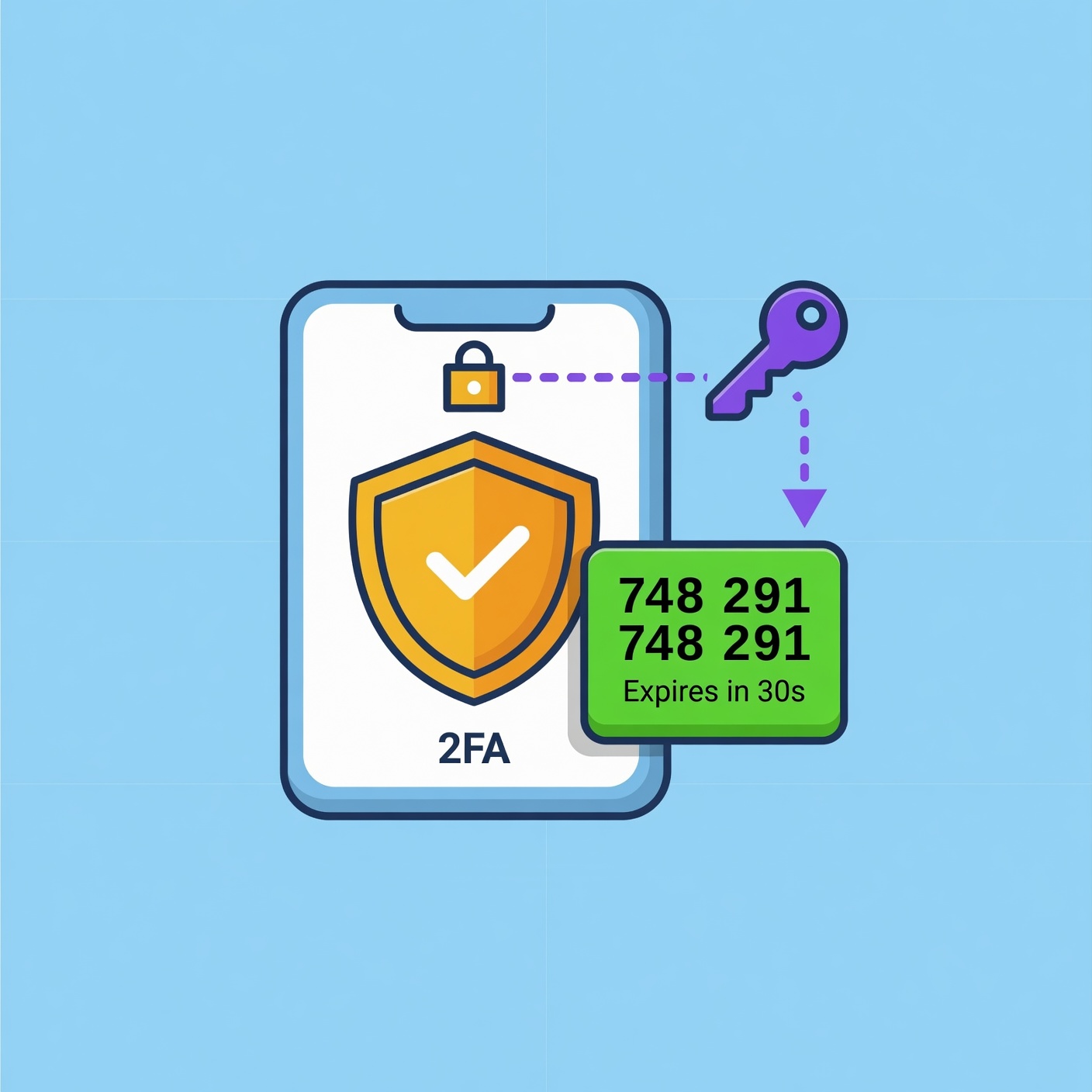
SMS-Based 2FA (Low Security): Receiving a code via text is better than nothing, but it is vulnerable to “SIM Swapping” (where a hacker steals your phone number).
-
Authentication Apps (High Security): Apps like Google Authenticator or Microsoft Authenticator generate time-sensitive codes locally on your device, making them much harder to intercept.
-
Hardware Security Keys (Highest Security): Physical devices like a YubiKey are the gold standard. Even if a hacker has your password and a intercepted code, they cannot access your account without the physical USB/NFC key in their hand.
Advanced Physical Security: Protecting Your Credit and Debit Cards
While we focus on digital threats, physical “skimming” and “shimming” remain massive industries for criminals. Protecting the plastic in your wallet is just as vital as protecting your login screen.
Understanding Skimming vs. Shimming
-
Skimming: Criminals place a device over an ATM or gas station card reader to “read” the magnetic stripe data.
-
Shimming: A more advanced version where a paper-thin device is inserted inside the chip reader to intercept data from the EMV chip.
Best Practices for Physical Card Safety
-
Tap-to-Pay (NFC): Whenever possible, use contactless payments or mobile wallets (Apple Pay/Google Pay). These methods use “tokenization,” meaning the actual card number is never shared with the merchant.
-
The “Wiggle” Test: Before inserting your card into an ATM or gas pump, give the card reader a firm tug. If it feels loose or looks bulky, do not use it.
-
RFID Blocking Wallets: While rare, “electronic pickpocketing” can occur in crowded areas. An RFID-shielded wallet prevents thieves from scanning your card’s signal while it’s in your pocket.
Network Hygiene: Securing the Connection to Your Bank
You could have the strongest password in the world, but if you are accessing your bank over a compromised network, you are essentially handing over the keys.
The Dangers of Public Wi-Fi
Public Wi-Fi at airports, coffee shops, and hotels is often unencrypted. A hacker on the same network can perform a “Man-in-the-Middle” (MitM) attack, intercepting the data traveling between your laptop and the bank’s server.
-
The Rule of Thumb: Never log into a financial account on a public network.
-
Use a VPN: If you must access your accounts while traveling, use a reputable, paid VPN (Virtual Private Network). This creates an encrypted tunnel for your data, making it unreadable to anyone else on the network.
Securing Your Home Network
Your home Wi-Fi is the primary gateway to your finances.
-
WPA3 Encryption: Ensure your router is using the latest encryption standards.
-
Change Default Credentials: Many people keep the “admin/admin” login for their router settings. This is a massive security hole. Change it immediately.
-
Hide Your SSID: Consider making your network “invisible” so it doesn’t show up in a list of nearby Wi-Fi connections.
Mobile Banking Security: Turning Your Phone into a Vault
Your smartphone is likely your most-used banking tool. Because it is portable and always connected, it requires specific security configurations.
Biometric Locks
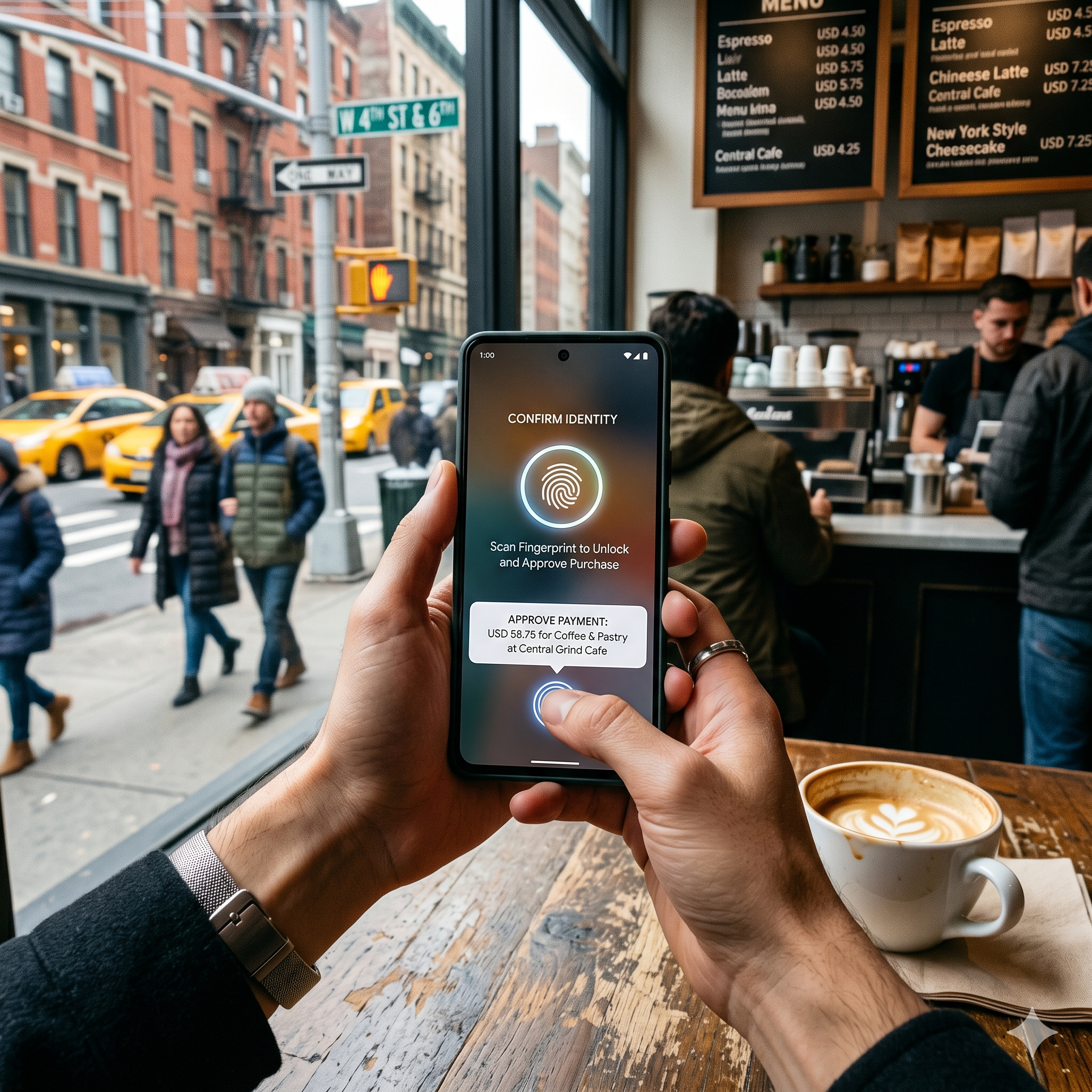
Always enable FaceID, TouchID, or fingerprint scanning for your banking apps. This adds a layer of physical security that a stolen password cannot bypass.
The “App-Only” Strategy
Many security experts suggest that mobile apps are actually more secure than web browsers. Apps are “sandboxed,” meaning they are isolated from other processes on your phone, reducing the risk of a browser-based virus stealing your session data.
Beware of “SIM Swapping”
This is a sophisticated attack where a hacker calls your mobile provider, pretends to be you, and “ports” your number to their device.
-
The Fix: Contact your mobile provider and ask for a “Port Freeze” or a “PIN-to-Port” lock. This prevents anyone from moving your number without a secret code that only you know.
Utilizing Virtual Cards and One-Time Use Numbers
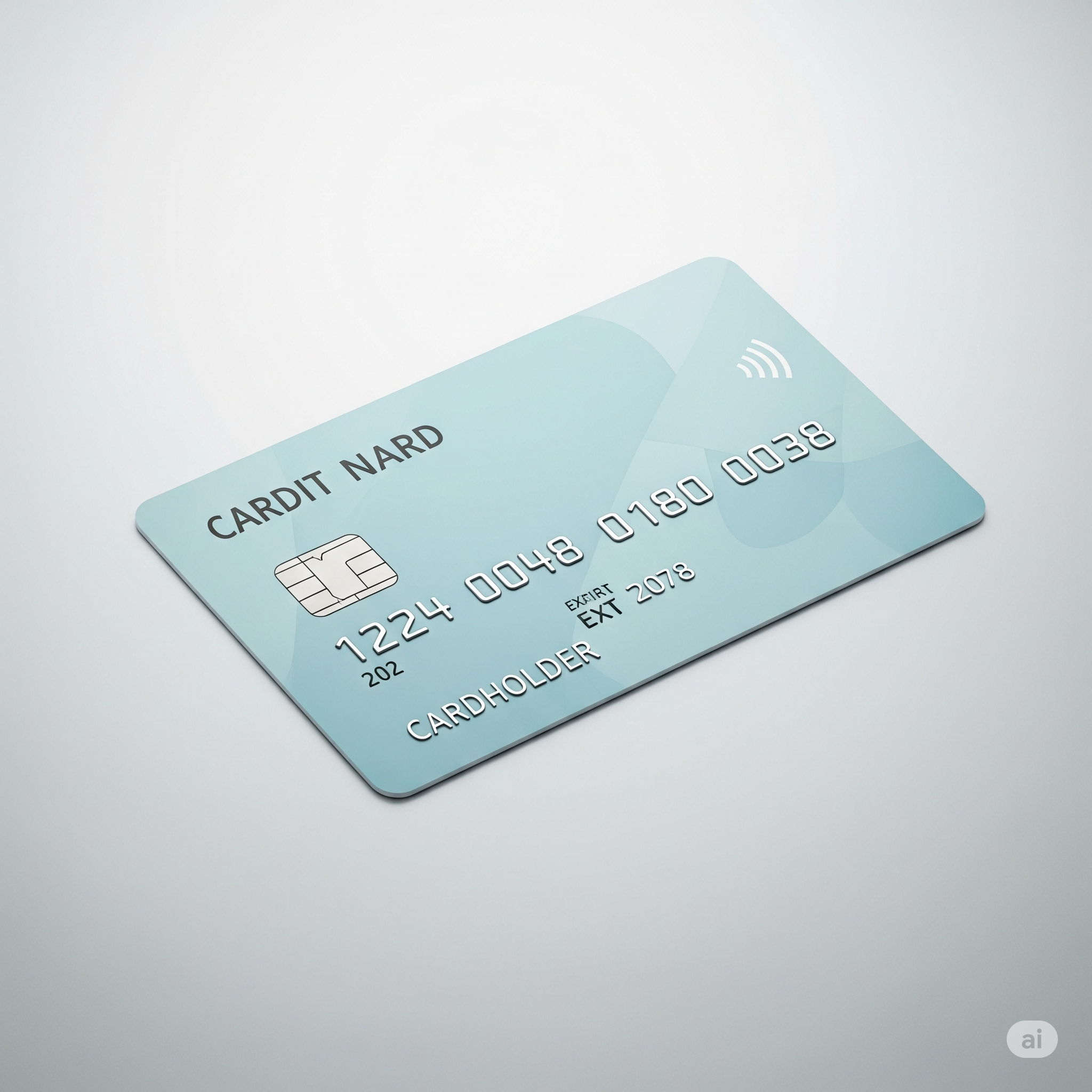
One of the most effective ways to secure your main bank account is to never use its primary card number online.
What are Virtual Cards?
Services like Privacy.com or the built-in features of many modern banks allow you to create “Virtual Cards.” These are digital-only card numbers linked to your account.
-
Merchant Locking: You can create a card that only works at Amazon. If that card number is stolen, it cannot be used anywhere else.
-
Spending Limits: You can set a $50 limit on a virtual card. If a scammer tries to charge $500, the transaction is automatically declined.
-
One-Time Use: You can create a “burner” card that deletes itself immediately after one transaction. This is perfect for signing up for free trials or buying from unfamiliar websites.
Psychological Defense: Defeating Social Engineering
The most common way bank accounts are compromised is not through technical “hacking,” but through “Social Engineering”—tricking the human user.
Identifying Modern Phishing Tactics
Scammers will send highly realistic emails or texts claiming there is “suspicious activity” on your account. They want you to panic and click a link to a fake login page.
-
The “Cold Call” Rule: If someone calls you claiming to be from your bank, hang up. Call your bank back using the official number on the back of your card.
-
Never Share Codes: Your bank will never ask you for a 2FA code over the phone. If someone asks for a code “to verify your identity,” they are actively trying to log into your account at that very moment.
Proactive Monitoring: The “Daily Check” Habit
Securing your account isn’t a “set it and forget it” task. It requires ongoing vigilance.
Set Up Real-Time Transaction Alerts
Go into your bank’s notification settings and turn on alerts for:
-
Every transaction over $0.01.
-
Every login attempt.
-
Changes to contact information (email or phone).
-
International transactions.
The Power of the Credit Freeze
If you live in the US or a country with a central credit system, freeze your credit. This is a free service provided by the major bureaus (Equifax, Experian, TransUnion). It prevents anyone from opening a new credit card or loan in your name. You can “unfreeze” it in seconds via an app when you actually need to apply for credit.
Summary Checklist for Maximum Security
To ensure your financial life is as secure as possible, follow this high-level checklist:
| Category | Action Item |
| Passwords | Unique 20+ character strings for every bank account. |
| Authentication | Use Authenticator Apps or YubiKeys; avoid SMS 2FA. |
| Physical | Use Mobile Wallets (Apple/Google Pay) at registers. |
| Credit | Place a permanent freeze on all three credit bureaus. |
| Monitoring | Enable push notifications for every single transaction. |
| Software | Keep your phone and computer OS updated to the latest version. |
Wealth Protection in a Digital World
Securing your bank accounts and cards is an ongoing process of adaptation. By moving away from convenient but weak security habits—like reusing passwords or using public Wi-Fi—and moving toward “Zero Trust” protocols like hardware keys and virtual cards, you significantly lower your risk profile.
Financial security is not just about how much you earn; it’s about how well you protect what you have. Implement these layers today, and give yourself the peace of mind that comes with knowing your financial future is locked down.